

Colemak keyboard layout: the ultimate beginner's guide
Want to type faster and stop hurting your fingers? This guide explains the Colemak keyboard layout and how it compares to QWERTY and Dvorak. We explore why switching can drastically improve your typing speed and overall comfort.
What is the Colemak Keyboard Layout
Designed by Shai Coleman in 2006, the Colemak keyboard layout is a highly efficient alternative to QWERTY. It currently ranks as the third most popular touch typing option globally, just behind QWERTY and the Dvorak keyboard layout.

How Colemak Compares to QWERTY and Dvorak Keyboard Layout
The Colemak keyboard easily beats QWERTY in terms of efficiency while remaining incredibly familiar. Only 17 alphabetic keys change places, which keeps standard shortcuts right where you naturally expect them. You gain excellent home row usage, significantly reducing finger movement compared to QWERTY.
- Home row dominance: Colemak achieves 74% home row usage compared to 70% for Dvorak and 32% for QWERTY.
- Finger movement: Fingers move much less on Colemak than on QWERTY, preventing serious strain during long sessions.
- Word typing potential: Users can type significantly more words using only the home row on Colemak.
- Same-hand row jumping: QWERTY forces 16 times more same-hand row jumps, making Colemak far superior.
While the Dvorak keyboard emerged decades ago, Colemak improved upon it by keeping things familiar for standard users. The Dvorak keyboard layout remains viable, but Colemak offers a practical, real-world upgrade for those comparing QWERTY and Dvorak layouts.
Key Design Principles Behind Colemak's Home Row Philosophy
Colemak feels incredibly smooth because the most frequently used English letters sit where your fingers naturally rest. Essential vowels remain on the home row, unlike in the Dvorak layout. Common consonants are also right there, making your daily typing virtually effortless.
Common letter pairs are placed closely together so your fingers can transition naturally between them. This keyboard layout demands significantly less effort than QWERTY overall. Most work relies on your strongest fingers, drastically reducing strain on your weaker pinkies.
| Metric | Colemak | QWERTY | Dvorak |
| Home row usage | 74% | 32% | 70% |
| Finger movement ratio | 1x | 2.2x | Moderate |
| Words from home row only | 35x more | Baseline | High |
| Same-hand row jumps | Low | 16x higher | Lower than QWERTY |
Why Colemak Was Created as a Third Alternative
QWERTY was created in the 1870s to prevent mechanical typewriter jams, not to increase speed. Although Dvorak solved some issues later, Colemak seized the chance to build something better. It provides a highly efficient structure with a manageable learning curve.
Shai Coleman crafted the Colemak keyboard layout to balance maximum efficiency with real-world practicality. The QWERTY and Dvorak layouts certainly had their time in the spotlight. Today, Colemak is the modern evolution for typists who demand incredible speed and lasting comfort.
Colemak keyboard layout options and platform compatibility
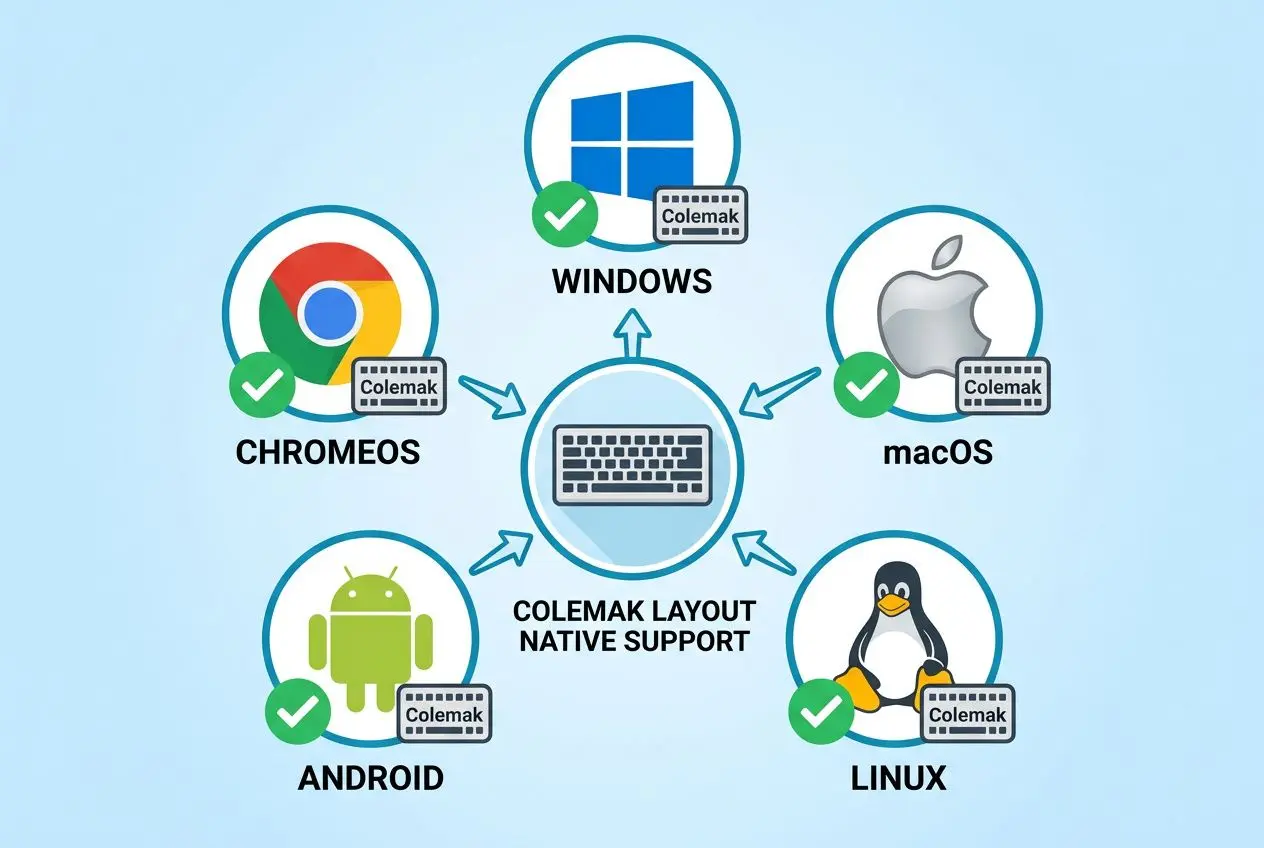
From a technical standpoint, switching to a Colemak keyboard layout is very straightforward. It is natively supported by most major operating systems, so you won't need any special hardware. Importantly, you don't have to download any dubious software to get started.
How to install Colemak on Windows, macOS, and Linux
The installation process is simple, although it does differ slightly between operating systems. If you're exploring various keyboard layout options, you'll be pleased by this easy setup. It is significantly easier than configuring the more complex Halmak keyboard layout.
- macOS and Linux: The Colemak keyboard layout is already pre-installed on these platforms. You can simply choose it from your settings menu and start typing right away.
- Windows: Because Windows doesn't have built-in support, you will need to use a free utility called EPKL. This tool lets you toggle the layout on and off with ease.
- Android and iOS: Virtual keyboards such as GBoard offer full support for Colemak. It will work seamlessly in any app that accepts physical keyboard input.
- BSD systems: Much like on Linux, these systems support the layout natively without any extra effort.
Windows users needn't worry, as EPKL is both a lightweight and highly dependable piece of software. Any standard mechanical keyboard will function perfectly once the software is running. This simple configuration makes the layout genuinely accessible to everyone.
Colemak Mod-DH and other keyboard layout variants explained
Once you've mastered the standard layout, you might come across Colemak Mod-DH. This improved variant repositions the D and H keys to reduce lateral finger stretches. Moving between versions is smooth because no keys change hands.
This mod is exceptionally well-optimised for ISO, ANSI, and matrix keyboards. The Caps Lock key is remapped to act as a Backspace, allowing your pinky to relax instead of stretching to correct mistakes. Other alternatives, like Workman, pursue similar ergonomic aims but with different design philosophies.
The layout supports typing in more than 40 languages and provides quick access to special symbols. Whether you choose the standard version or Mod-DH, you will experience incredible comfort. Both choices offer a highly efficient typing experience that easily surpasses QWERTY.
How to learn the Colemak keyboard layout as a beginner
Switching to a new keyboard layout requires real commitment, but the reward is undoubtedly worth it. You're investing a few months now for faster, pain-free touch typing for life.
Realistic timeline and practice tips for switching to Colemak
When you begin learning Colemak, expect to type at around 10 wpm. After two months of daily practice, most people comfortably reach 30 wpm. You don't need to buy a Colemak keyboard immediately, as your current setup will work perfectly fine.
- Practice duration: Aim for 10 to 20 minutes each evening, drilling the new keys. Only move on when your error rate drops below five percent.
- Preserve shortcuts: The Colemak keyboard layout keeps common shortcuts in their original positions. Your muscle memory for these frequent actions will remain perfectly intact.
- Use intermediate steps: If learning the full layout seems daunting, try the Tarmak method. It introduces a few keys at a time for a more gradual transition.
The best part is that you can practice around your regular daily schedule. Most users find this hybrid learning phase only lasts a few weeks before the Colemak keyboard begins to feel completely natural.
Best tools and keyboards to support your Colemak journey
When you're ready for a Colmak keyboard layout download, several great platforms make the process highly engaging. Websites like Monkeytype and 10FastFingers track your progress with useful, real-time feedback.
- Online tutors: Colemak.academy starts with basic letters before progressing to full sentences, designed specifically for this layout.
- Typing games: Games like TypeRacer turn skill-building into enjoyable competitions, which helps keep motivation high in the early stages.
- Mechanical keyboards: For optimal comfort, pair your new layout with an ergonomic board. Check our Colmark & Dvorak keycaps
When building a custom board, understanding mechanical switch types helps you choose the perfect feel. You can then get keyboard conversion kits featuring ANSI or ISO keycaps to label everything properly.
Proper ergonomic touch typing relies heavily on overall desk comfort. Investing in the right accessories makes the transition feel like a genuine upgrade to your daily typing experience.
Will you forget QWERTY after learning Colemak
Most people never forget their old layout after mastering a new one. Your brain can retain both simultaneously, especially if you occasionally type on shared office computers. Muscle memory adapts easily without erasing prior knowledge.
Many users maintain basic competency by occasionally switching back on devices they can't modify. The two styles coexist peacefully, allowing you to shift between them naturally without thinking. It feels much like speaking two different languages fluently.
Frequently asked questions
Is Colemak actually better than QWERTY?
Yes, absolutely, particularly if your priorities include long-term hand health, greater comfort, and faster typing speed. Colemak's intelligent layout places 74% of keystrokes on the home row, a stark contrast to QWERTY's meager 32%. This highly efficient design minimizes finger movement, which helps prevent daily fatigue on a standard ANSI keyboard.
Is Colemak or Dvorak faster?
Both layouts are exceptionally fast and easily outperform QWERTY in terms of overall typing ease. Since Colemak requires less finger repositioning, it holds a very slight advantage over Dvorak. That said, dedicated typists using Dvorak can still often achieve a highly competitive WPM rate.
What are the disadvantages of Colemak?
The primary disadvantage is the steep learning curve required to regain your previous QWERTY speed. Windows lacks native support, so you must install free third-party software like EPKL. Additionally, using shared computers necessitates occasional switching back, which can be frustrating until your new muscle memory is fully established.